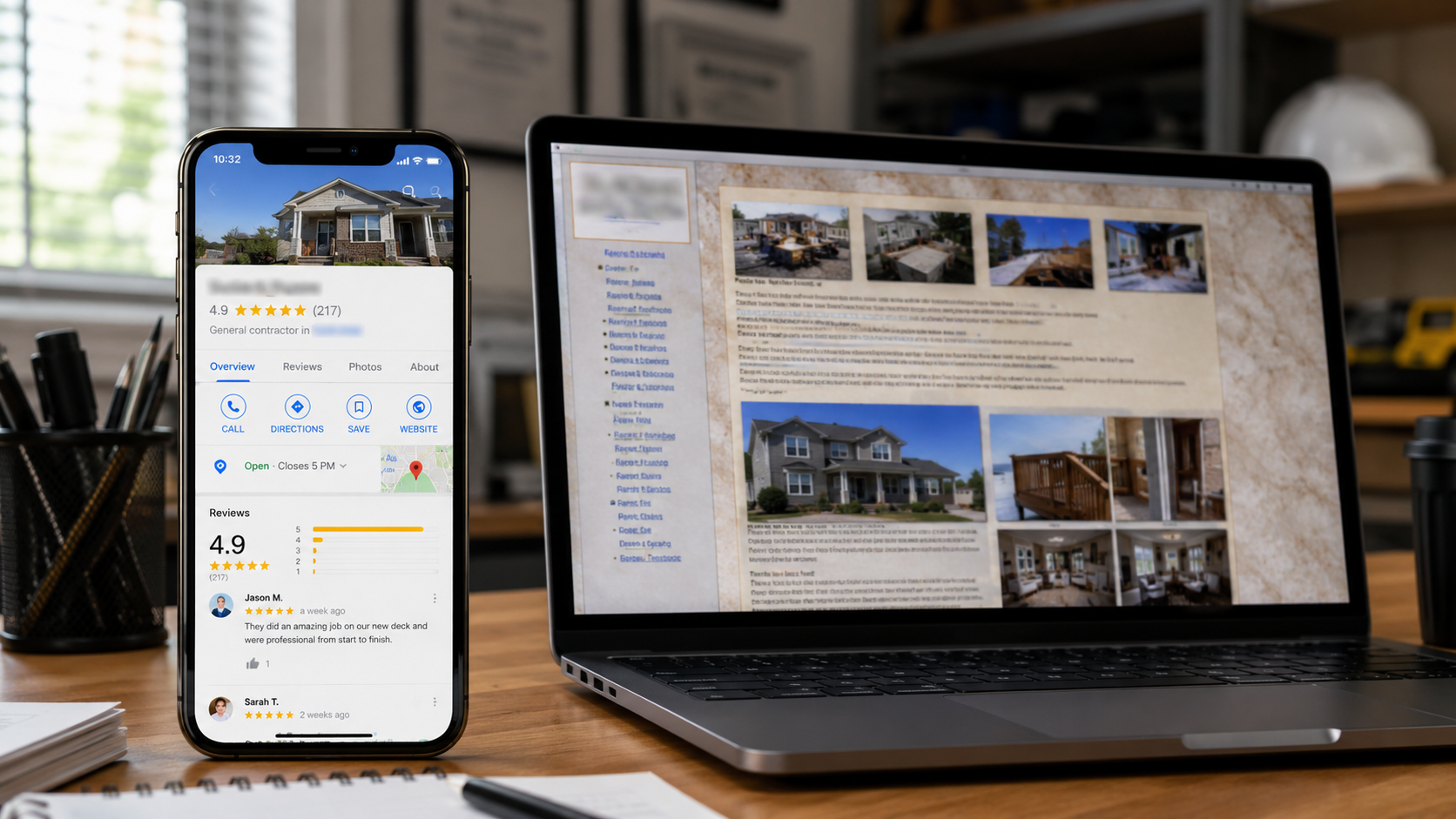

A professional services website has one primary job: answer ‘can I trust this person?’ before the prospect ever makes contact. Every design decision that serves that job is worth making. Every decision that doesn’t is noise.
Most web design advice is written for businesses where volume is the goal. Generate traffic, maximize clicks, optimize conversion rates. That framework doesn’t fit professional services, where the prospect is making a high-trust decision about someone they’ll share sensitive financial or legal information with.
A prospect evaluating a CPA, financial planner, or title company is asking a fundamentally different question than someone choosing a plumber or a landscaper. The plumber question is ‘can you fix this?’ The professional services question is ‘can I trust you with my financial life?’ Websites that answer the second question well are built differently from those optimized to answer the first. This post covers what those differences look like in practice — see the professional services SEO and marketing framework but focused specifically on what your website needs to accomplish.
Table of Contents
| Professional services prospects are not comparison shopping for the best deal. They are doing due diligence on someone they plan to trust with their financial life. |
How Professional Services Visitors Evaluate a Website Differently
When a homeowner visits an HVAC company’s website, they spend roughly 10-15 seconds deciding whether the company looks credible enough to call. The signals they’re scanning for are basic: professional appearance, phone number visible, enough reviews to feel safe.
When a prospect visits a CPA, financial planner, or title company website, the evaluation takes longer and goes deeper. They’re not just checking for credibility signals — they’re actively looking for evidence that this specific firm handles situations like theirs. They’ll read the about page. They’ll look for the credentials section. They’ll read reviews with more care than they would for a home service business.
| Website Element | Home Services Priority | Professional Services Priority |
| Phone visibility | Above fold, tap-to-call, high urgency | Visible but not dominant — call follows trust, not urgency |
| Primary CTA | Call now / Book today | Schedule a consultation / Get started |
| Photos | Team and job site photos | Professional headshots + credentials visible |
| About page | Brief, builds personal connection | Detailed, establishes professional background and values |
| Reviews | Quantity and recency | Content specificity — what the reviewer trusted them with |
| Service descriptions | What you do and when you can come | Who you serve and what specific situations you handle |
| Credentials display | License number in footer or GBP | CPA, CFP, EA, JD front and center on homepage |
| Pricing signals | Starting price range helps | Acknowledging cost without specific figures builds comfort |
The Credentials Hierarchy: What Belongs Where
Professional credentials are the most underutilized trust signal on most professional services websites. CPA designation, CFP certification, EA status, bar admission, years of practice, professional associations: these signals matter enormously to the prospect making a high-trust decision, and most professional services websites bury them in an About page that receives a fraction of homepage traffic.
The credentials hierarchy for a professional services website:
- Homepage hero or header area. At minimum, the professional designation (CPA, CFP, EA, attorney) should appear in the hero section or directly beneath the headline. A prospect who sees ‘Certified Public Accountant’ or ‘CFP Designation’ within the first seconds of loading the page has had their most fundamental trust question answered immediately.
- Individual practitioner bios. Each person who works directly with clients needs a bio page that lists credentials, years of practice, specific areas of focus, and a professional photo. Not a corporate headshot from 2015: a current photo that looks like the person a client will actually meet.
- Footer and sidebar consistency. Credential badges, licensing board affiliations, and professional association memberships reinforce trust on every page. A prospect who reads three service pages and sees consistent credential signals on each one is more confident than one who had to hunt for the information.
- Schema markup for credentials. LocalBusiness and Person schema both support credential properties that communicate qualifications directly to search engines and AI systems in structured format, reinforcing the signals that appear visually on the page.
| A CPA designation in the hero section answers the prospect’s most important question before they’ve read a single word of copy. |
Why Stock Photos Are Especially Damaging in Professional Services
Stock photos underperform on any local business website. They’re particularly damaging for professional services because the trust gap they create is larger in this category than in any other.
When a prospect is evaluating whether to trust someone with their tax situation, their retirement savings, or their real estate transaction, they want to know who they’ll actually be dealing with. A website full of generic photos of businesspeople in offices could belong to anyone. It signals that the firm is either not established enough to have real photos of their actual team, or doesn’t think the personal relationship is important enough to invest in showing it.
A professional headshot of the lead practitioner on the homepage performs better than any stock photo alternative because it directly addresses the ‘who will I be working with?’ question that professional services prospects have before every other question. It doesn’t need to be elaborate. A current, professional-quality photo with a clean background, in appropriate professional attire, with a natural expression converts more referral-stage visitors than any design element you can add around it.
This compounds with the referral network dynamic covered in the title company digital presence post: a significant portion of professional services web traffic comes from referral sources doing due diligence before recommending you. An agent, lender, or business owner checking out a CPA before making a referral is doing exactly the same evaluation as a direct prospect, and they’re doing it on a desktop, taking their time, and reading everything.
Service Descriptions That Work for Professional Services
The most common service description mistake for professional services firms is describing the service rather than describing who it’s for and what situation it addresses.
‘Comprehensive tax preparation services for individuals and businesses’ describes the service. ‘Tax preparation for small business owners, freelancers, and individuals with complex filing situations in Johnson City and the Tri-Cities’ describes who it’s for, what their situation is, and where you operate. The second version helps a prospect in that situation immediately recognize themselves as your client.
For professional services, specificity of client type is the clearest conversion signal. A prospect who reads ‘we work with business owners who are approaching retirement and want to make sure their exit strategy minimizes tax exposure’ knows immediately whether that’s them. A prospect who reads ‘we offer comprehensive financial planning services’ has no idea whether you’re the right fit.
Trigger event pages
As covered in the accountants and financial planners SEO post, each major trigger event that sends someone looking for a professional services firm deserves its own dedicated page: starting a business, facing an IRS notice, approaching retirement, inheriting assets, going through a business sale. These pages convert at higher rates than generic service descriptions because they speak directly to the prospect’s current situation rather than the practitioner’s service menu.
The Two Audiences Your Website Actually Serves
Most professional services websites are built with only the end client in mind. For accountants, financial planners, and title companies, there’s a second audience that visits your website and makes referral decisions based on what they find: other professionals.
A financial planner whose top referral sources are estate attorneys and CPAs needs a website that also speaks to those referral partners. An estate attorney checking your site before recommending you to a shared client is evaluating the same signals as a direct prospect: credentials, professionalism, specific areas of expertise — but with a more sophisticated eye.
Designing for both audiences means the site can’t rely on consumer-level copy that explains what a financial planner is. It needs to communicate at a professional level about your specific focus areas, your process, and the types of cases you handle well. Content that’s too basic insults professional referral sources. Content that’s too jargon-heavy loses direct prospects. The balance is clear, professional language that assumes the reader is intelligent without assuming they know the industry.
| What Referral Partners Look for on Your Website Credentials and designations clearly displayed Specific areas of focus that complement the referring practice Evidence that you communicate clearly with clients (not just technically competent) Professional photos that help them picture introducing you to their client A contact path that’s easy when they want to make a direct introduction Reviews from other professionals or clients in shared situations |
Mobile vs. Desktop: The Professional Services Difference
Home service searches happen primarily on mobile, often urgency-driven. Professional services research happens primarily on desktop, deliberate and comparison-oriented. The split isn’t absolute, but the dominant pattern matters for how you design and prioritize.
For a professional services website, this means the desktop experience deserves more attention than the typical local service business template assumes. Multi-column layouts, longer service descriptions, expanded team bios, and detailed credential displays all work better on desktop than on the cramped single-column mobile format that dominates home service optimization advice.
The site still needs to be fully responsive and perform well on mobile. A prospect who finds you on their phone during a commute should be able to read your credentials and find your contact information easily. But the primary design investment for a professional services site should prioritize the desktop experience where the majority of trust-forming research happens.
The Professional Services Website Checklist
| What a Professional Services Website Needs to Convert Credentials: designation or license displayed on homepage, not just About page Professional photos: real headshots of each practitioner, not stock images Specific client focus: who you serve, not just what you do Trigger event pages: dedicated pages for each high-intent situation type Reviews: content that mentions trust, specific situations handled, and relationship quality Two-audience copy: readable by both direct prospects and professional referral sources Desktop-optimized layout: credential depth and bio detail that works at full width Contact path: easy for both direct prospects and professional introducers Schema: Person schema for each practitioner, Service schema per service type Consistent credential display: designations visible on every service page, not just bio pages |
| Need a website that converts referrals and builds trust with professional services prospects? 1-FIND builds websites for professional services firms in the Tri-Cities — accountants, financial planners, title companies, and related practices — designed specifically for the credibility-first evaluation process your prospects use. |