
Every explainer you’ll find online about CRMs is written by someone trying to sell you one. This one isn’t.
There are a lot of software categories that service business owners are told they need, and most of them either duplicate what you’re already doing or add more complexity than they solve. So it’s a fair question when someone mentions a CRM: do I actually need this, or is it another tool that’s going to sit unused after the first month?
This post gives you a straight answer. What a CRM is in plain terms, what it replaces in your current workflow, what it doesn’t replace, and the specific threshold at which it starts paying for itself. No feature lists. No integration specs. No pitch.
Table of Contents
| A CRM is a replacement for the system you’re already using to track leads and customers. Most service businesses already have a system. It’s just a bad one. |
What a CRM Actually Is
CRM stands for Customer Relationship Management. That name makes it sound more complicated than it is.
At its most basic, a CRM is a place where every person who has contacted your business lives: their name, their contact info, what they inquired about, what you quoted them, whether they became a customer, and every interaction you’ve had with them since. Instead of that information living across your email inbox, your phone’s call history, a notebook on your desk, and your memory, it lives in one place where you can see it, search it, and act on it.
For a service business, the CRM typically also handles the pipeline: the stages a lead moves through from first contact to booked job to completed work to follow-up for the next job. You can see at a glance how many leads are at each stage, which ones haven’t been contacted, which ones were quoted but haven’t responded, and which past customers are due for a follow-up.
That’s it. The feature lists that CRM vendors publish (automation workflows, email sequences, reputation management, pipeline analytics, integrations) are built on top of that core. But the core is just: every person your business deals with, in one place, with a record of what happened.
What a CRM Replaces
The most useful way to evaluate whether you need a CRM is to look at what you’re currently using to do the same job. Most service businesses are running on one or more of these:
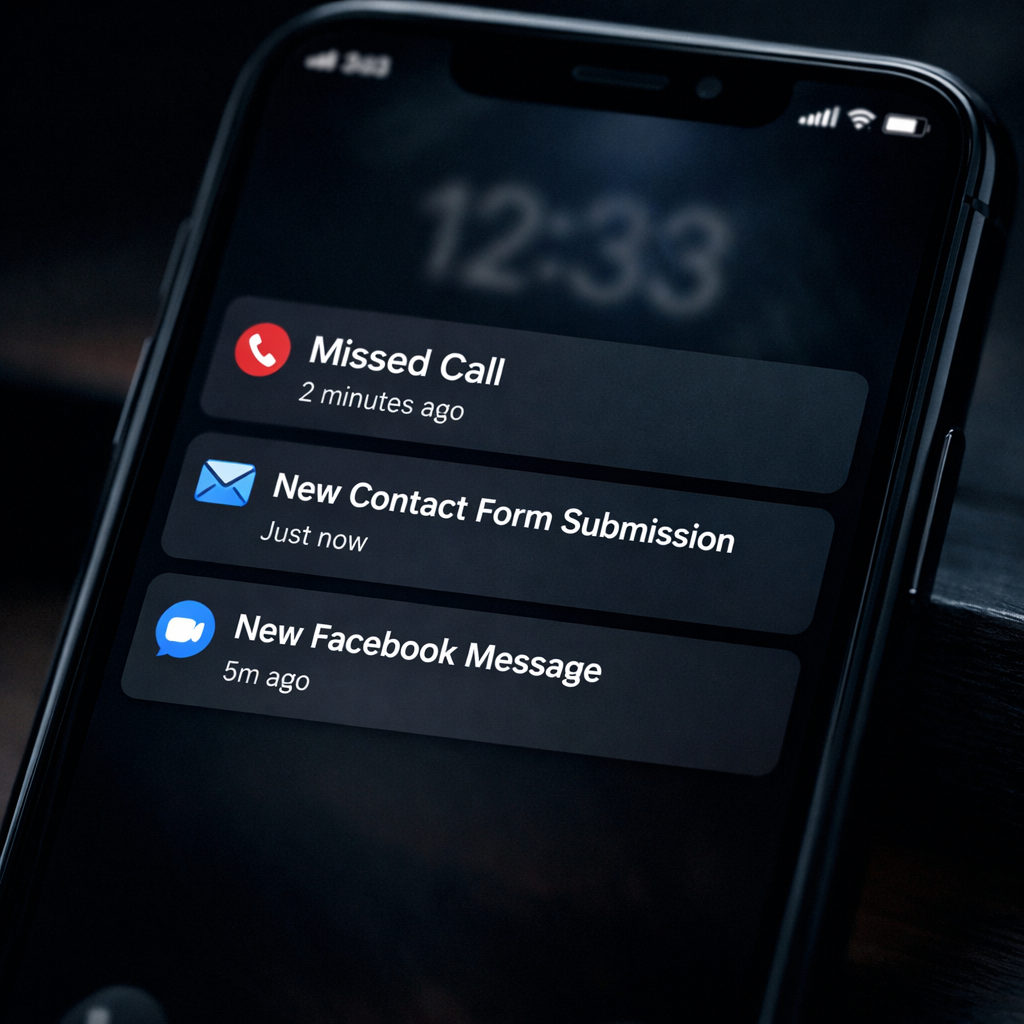
- A shared email inbox. Every inquiry comes in as an email, gets replied to or not, and then sits in a thread that’s impossible to search when you need it. Nobody knows which leads are active, which were quoted, or which fell through. If two people have access to the inbox, leads get double-replied or missed entirely.
- A notepad or whiteboard. Names, numbers, and job details written during phone calls, with no way to know which ones are still active. The notepad gets full, gets replaced, and the old one gets thrown away.
- A spreadsheet. Better than a notepad. Still requires someone to update it manually, doesn’t send reminders, doesn’t connect to your phone or email, and becomes outdated the moment it’s not updated immediately. Most service business spreadsheets are partially accurate at best.
- Your memory. Works fine when you have five active leads. Fails when you have fifteen, when you’re in the middle of a job, or when someone else on your team needs to pick up a conversation you started.
- Your phone’s call history. The record of every incoming call, with no context about why they called, what you discussed, or what the next step was. Useful for returning missed calls. Not useful for managing a pipeline.
A CRM replaces all of these with a single system that doesn’t require manual updating after the fact, that any team member can access, and that tells you what needs to happen next without requiring you to remember.
| The Leak a CRM Fixes A lead comes in through your website. You see it, mean to follow up, get pulled onto a job, and forget.Three days later the lead books with a competitor.You never knew you lost them because nothing flagged the follow-up as overdue.A CRM creates the task automatically, routes it to the right person, and flags it if it hasn’t been touched.The lead doesn’t fall through because nothing is relying on memory to keep it alive. |
What a CRM Doesn’t Replace
This is the part that vendors don’t tell you, and it’s where skepticism is warranted.
A CRM doesn’t fix a follow-up problem caused by not having enough time or people. If you’re a solo operator already stretched thin, adding a CRM adds administrative work on top of your current workload. The tool can automate some of that work, but it can’t do the actual job of calling leads back, showing up to give estimates, or delivering good service.
A CRM doesn’t fix a lead quality problem. If you’re getting lots of inquiries from people who aren’t serious buyers or who aren’t in your service area, organizing those leads more efficiently doesn’t solve the underlying issue. That’s a marketing targeting problem.
A CRM doesn’t fix a pricing or close rate problem. If you’re quoting jobs and not winning them, the issue is in the quote, the relationship, or the competition, not in how the lead was tracked. Better pipeline visibility can help you identify the pattern, but it can’t change the outcome.
The service businesses that get the most value from a CRM are the ones whose underlying follow-up process and service quality are already solid. The CRM makes the process consistent and scalable. It doesn’t create the process from nothing.
| A CRM makes a good follow-up process consistent. It can’t create a follow-up process where none exists. |
The Threshold: When Does a CRM Actually Pay Off?
The businesses that really don’t need a CRM are the ones with very low and very consistent lead volume: a sole operator who gets three to five inquiries a week, handles them immediately, and has no risk of anything falling through. At that volume, a simple notepad or a labeled folder in your email inbox is enough.
The threshold where a CRM starts paying for itself is around eight to twelve new leads per month. At that volume, the combination of memory, email, and notepads starts producing real leakage: leads that get missed, follow-ups that don’t happen, quotes that were sent and never followed up on. Each of those represents revenue that was already in your pipeline and left before you could close it.
The math is straightforward. If your average job is worth $1,500, and you’re losing two leads per month to disorganization, that’s $3,000 a month in pipeline leakage. A CRM that costs $100 to $300 per month and recovers even one of those jobs pays for itself. If it’s connected to automated follow-up that responds to every new lead within minutes regardless of when it comes in, the math gets better still.
| A Simple Payoff Test Estimate your average job value: $_________ Estimate how many leads per month don’t get a timely follow-up: _________ Multiply: $_________ x _________ = monthly pipeline leakageIf that number is larger than the monthly cost of a CRM, you need one.For most local service businesses getting 10+ leads per month, it is. |
What to Look for in a CRM for a Local Service Business
Not all CRMs are built for the same type of business. Enterprise CRMs built for sales teams of 50 people are the wrong tool for a local HVAC company or a two-person landscaping operation. What a local service business actually needs is simpler:
- Mobile access. You’re not at a desk all day. The CRM needs to work on your phone so you can update a lead status, see a contact’s history, or send a follow-up from a job site.
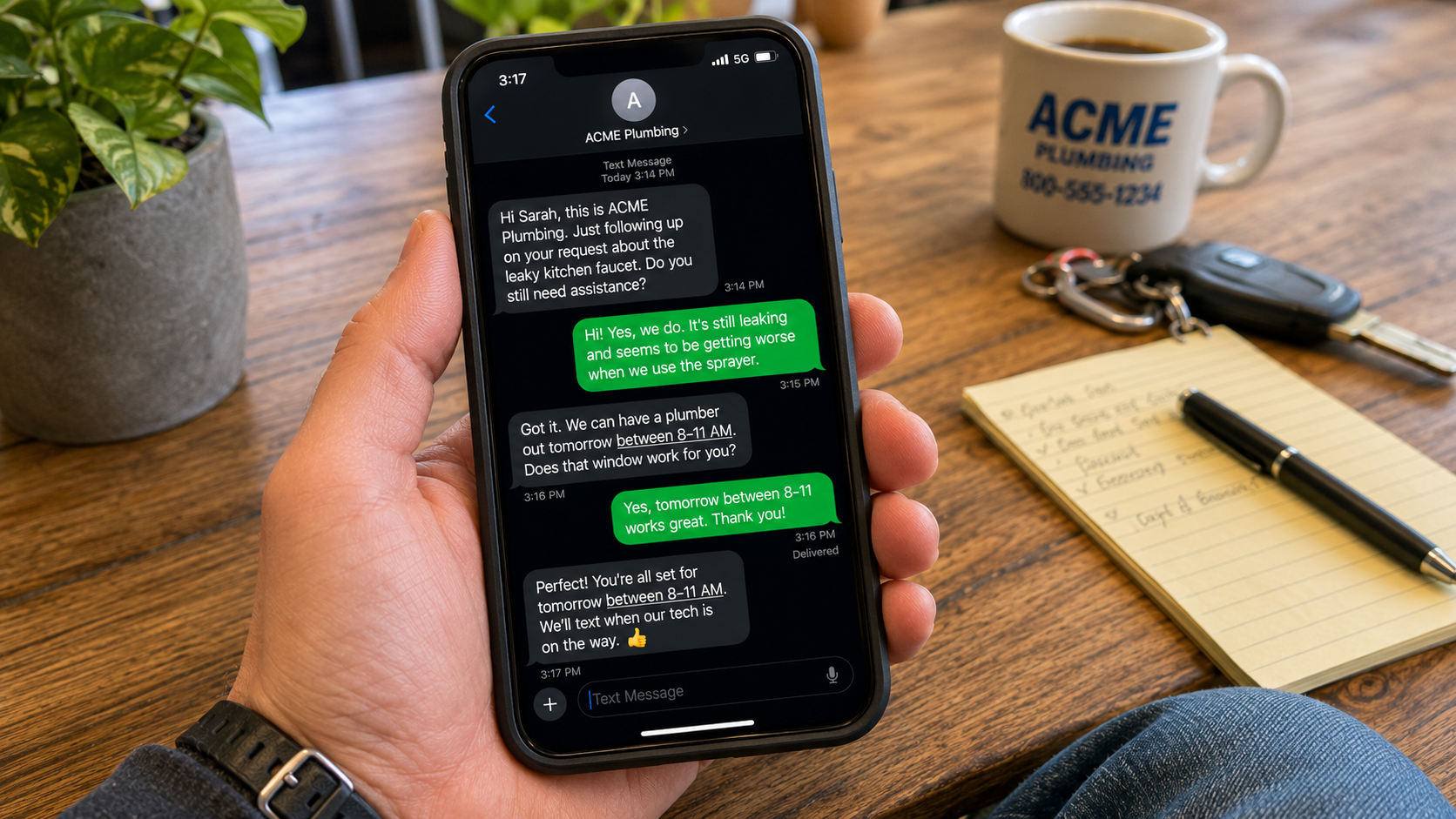
- Missed call text-back. When you can’t answer a call, the CRM should automatically send a text to the caller acknowledging the missed call and keeping the conversation active. This is the single highest-return feature for most local service businesses.
- Pipeline visibility. A simple board showing where every active lead sits: new inquiry, contacted, quote sent, job booked, completed. You should be able to see in 30 seconds how many open leads you have and which ones are overdue for follow-up.
- Automated follow-up sequences. After a new lead comes in, the system should automatically send an acknowledgment, schedule a callback reminder for your team, and run a short follow-up sequence if the lead doesn’t respond. This runs without anyone having to remember to do it.
- Review request automation. After a completed job, the CRM should automatically send a review request to the customer. Review velocity is one of the strongest local ranking signals, and most service businesses generate reviews inconsistently because they rely on someone remembering to ask.
- Two-way texting. Most prospects prefer texting to phone calls and email. A CRM that handles two-way texting keeps all of those conversations in one place rather than scattered across personal phones.
You don’t need AI-powered lead scoring or Salesforce-level pipeline analytics. You need a system that catches leads, routes them, follows up automatically, and tells you what needs your attention. For most local service businesses, that’s the whole job.
CRM vs. Marketing Automation: What’s the Difference?
These two terms get used interchangeably by vendors, but they describe different things, and the distinction matters when you’re evaluating what you actually need.
|
CRM |
Marketing Automation |
|
Manages existing contacts and leads |
Generates and nurtures new leads at scale |
|
Tracks the pipeline from inquiry to closed job |
Runs email/SMS campaigns to large lists |
|
Focused on conversion and retention |
Focused on acquisition and awareness |
|
Works on leads you already have |
Works on audiences who haven’t contacted you yet |
|
Essential for any business with active lead flow |
Valuable once your lead volume justifies it |
For most local service businesses, start with the CRM. Get your existing leads managed consistently before investing in systems to generate more of them. A leaky pipeline doesn’t get better by adding more water.
The Honest Answer to ‘Do I Need a CRM?’
If you’re getting more leads than you can reliably keep track of in your head, and you’ve lost jobs because something fell through a gap in your follow-up process, you need a CRM.
If you’re a solo operator with low and predictable lead volume, and every lead gets immediate personal attention, you probably don’t need one yet. A labeled email folder and a weekly calendar review might be enough.
The signal that you’ve outgrown your current system is usually quiet. You occasionally realize, a week later, that you never followed up with someone who inquired. You sent a quote and forgot to check back. You finished a job and never asked for a review. Each of those is a small leak. At low volume they’re manageable. As your business grows, they become the difference between a business that compounds and one that stays flat.
The goal of a CRM is to remove the mental overhead of tracking people and next steps, so you can focus on the work. If you want to see what that looks like set up specifically for a local service business, our Business Automation Suite includes CRM, automated follow-up, missed call text-back, and review request automation, built around the actual workflow of a service company, not a 50-person sales team.
| Want to see what a CRM looks like for a local service business?1-FIND sets up CRM and automation systems for Tri-Cities service businesses that catch leads, follow up automatically, and keep your pipeline visible without adding to your workload. We’ll show you what it looks like for your specific business before you commit to anything. |