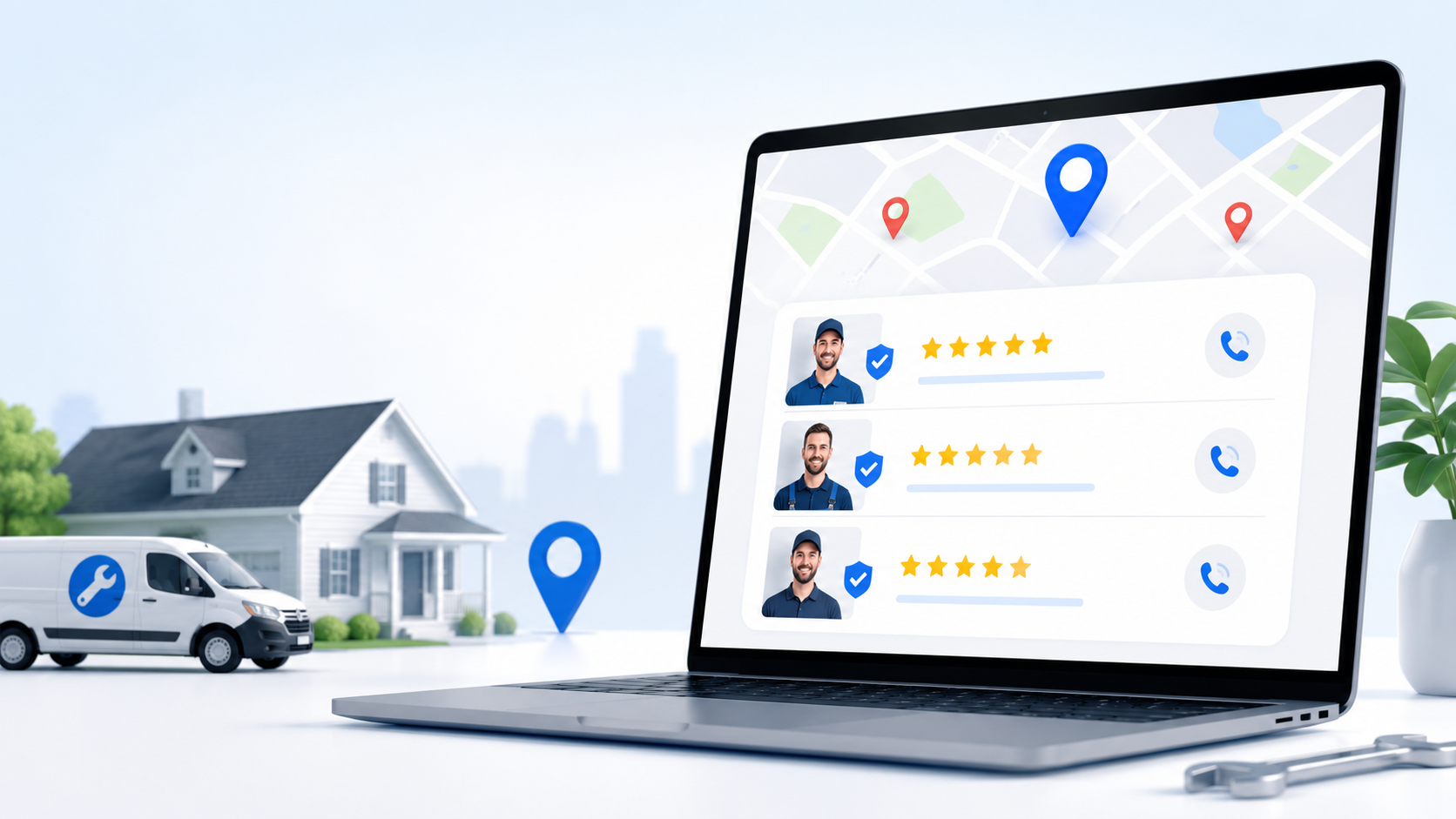
Google Local Services Ads are the only Google ad format where you pay per verified lead, not per click. They sit above everything else in search results — above regular Google Ads, above the Map Pack, above organic listings. Most local service businesses either don’t know they exist or started the qualification process, hit a friction point, and stopped.
This post covers what LSAs are, how they differ from standard Google Ads, what the Google Guaranteed badge actually signals to prospects, which business categories qualify, and the specific steps in the verification process that cause most applicants to drop off, with what to prepare before each one.
Table of Contents
| LSAs sit above Google Ads, above the Map Pack, and above organic results. For qualifying local service businesses, there is no higher-visibility placement in search. |
What Google Local Services Ads Actually Are
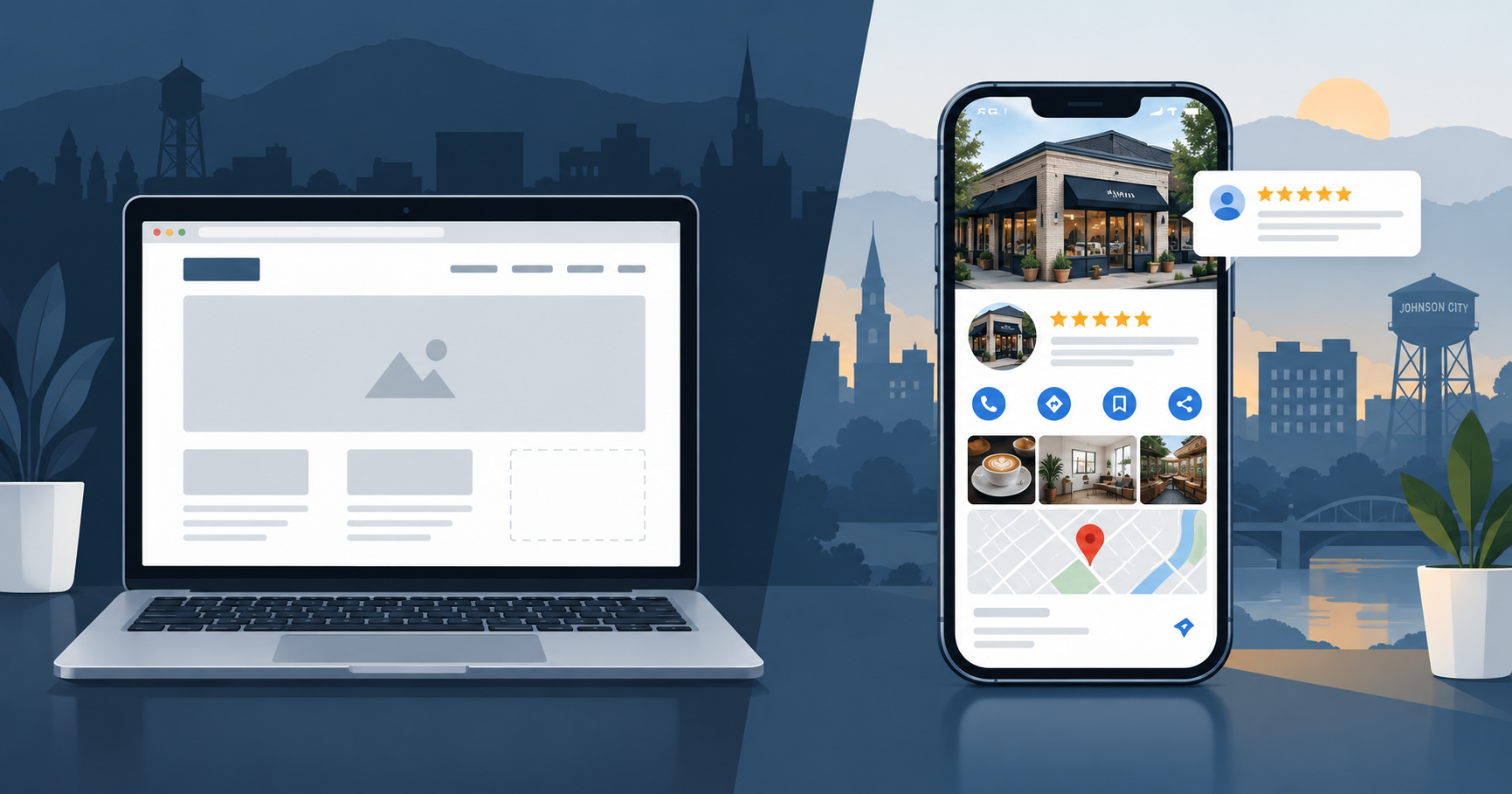
Google Local Services Ads are a pay-per-lead advertising format available to local service businesses that pass Google’s verification process. When a prospect searches for a service in your category and location, your LSA listing appears at the very top of the search results page, before any other ads or organic results.
The format is simple: your business name, your Google star rating and review count, your city, and a click-to-call button. The Google Guaranteed badge, a green checkmark with the word ‘Google Guaranteed,’ appears next to verified businesses. That badge is the primary trust signal the format provides.
Unlike standard Google Ads, where you pay every time someone clicks your ad, LSAs charge per verified lead. A verified lead is a call, text, or booking that comes through the ad during your business hours. If someone calls from your LSA and immediately hangs up, or calls outside your listed hours, Google doesn’t charge for it. You only pay for contacts that have a reasonable opportunity to convert.
| Where LSAs Appear in Search Results Position 1 on the page: Local Services Ads (Google Guaranteed badge) Position 2: Standard Google Ads (pay-per-click) Position 3: Google Map Pack (three local business listings) Position 4+: Organic search results LSAs are the most visible paid placement available to local service businesses. On mobile, they typically fill the entire first screen before any other result appears. |
LSAs vs. Standard Google Ads: The Practical Difference
The distinction matters for how you evaluate and budget for each format.
| Local Services Ads (LSA) | Standard Google Ads |
| Pay per verified lead | Pay per click |
| Google Guaranteed badge displayed | No verification badge |
| No keyword bidding required | Keyword selection and bidding required |
| Appears above Google Ads | Appears below LSAs |
| Requires background check, license, and insurance verification | No verification requirements |
| Available to specific service categories only | Available to virtually any business |
| Review count directly affects ad ranking | Review count has no direct effect on ad ranking |
| Dispute process for invalid leads | No lead dispute process |
The pay-per-lead model significantly changes the ROI math. If your average job is worth $1,500 and LSA leads cost $30-$80 each in your category, you need to close roughly one in twenty to break even on ad spend. Most local service businesses that qualify and actively manage their LSA profile close far more than that.
The Google Guaranteed Badge: What It Actually Signals
The Google Guaranteed badge is not just a visual element. It represents a specific set of verifications that Google has completed on your business before displaying the badge.
To earn the badge, your business must pass background checks on owners and employees who interact with customers, provide proof of valid business licenses for your service category and state, carry the insurance required by your state for your business type, and maintain a minimum Google review threshold. Google also guarantees customer satisfaction on jobs booked through LSAs: if a customer is dissatisfied with the quality of work, Google may reimburse them up to a lifetime cap.
For prospects evaluating three businesses in a search result, two of which have the badge and one of which doesn’t, the badge functions as a pre-screening signal. The business passed Google’s vetting process. The background checks cleared. The licenses are current. The insurance is active. That information, communicated instantly by a small green checkmark, closes a meaningful portion of the trust gap before the prospect ever makes contact.
| The Google Guaranteed badge communicates in one symbol what would take a paragraph of copy to explain: this business has been vetted, licensed, and insured. Google verified it. |
Which Business Categories Qualify for LSAs
LSA availability has expanded significantly since the format launched, but it still covers specific service categories rather than all local businesses. The categories available vary by location, and Google continues to add new ones.
Categories currently available in most US markets include:
- Home services: HVAC, plumbing, electrical, roofing, general contracting, landscaping, cleaning, pest control, garage door, locksmith, moving, painting, water damage restoration, window cleaning
- Professional services: law firms, financial planning, tax preparation, real estate agents, mortgage brokers
- Healthcare: dentists, optometrists, chiropractors, physical therapists
- Other services: tutoring, pet grooming, veterinarians, event planning, photography
The most reliable way to check whether your specific category and location qualify is to start the LSA signup process at ads.google.com/local-services-ads. The system will tell you within the first few steps whether your business type is eligible in your area.
| LSA Availability in the Tri-Cities Home services (HVAC, plumbing, roofing, electrical, landscaping, cleaning) are available in the Johnson City / Kingsport / Bristol market. Professional services availability varies — check current eligibility during signup. Google adds new categories regularly. If your category is not currently eligible, the signup flow will notify you, and you can request to be notified when it becomes available. |
The Qualification Process: Step by Step
This is where most businesses drop off. The process takes longer than a standard Google Ads account setup, and each step has a specific friction point that causes applicants to pause and often not return. Knowing what to expect at each step removes that friction.
| # | Step | What to Prepare | Common Friction Point |
| 1 | Business profile setup | Business name, address, phone, service area, and hours. Must match your Google Business Profile exactly. | Mismatch between LSA info and GBP causes verification delays. |
| 2 | License verification | Upload your current state contractor or professional license. For HVAC, plumbing, electrical, this is a specific trade license. For other categories, a general business license may suffice. | Common friction: license is current but not the specific type the form expects. Have all applicable licenses ready. |
| 3 | Insurance verification | Certificate of insurance (COI) showing general liability coverage at or above state minimums. Google must be listed as a ‘certificate holder’ on the document — a standard administrative field your insurer can add at no cost. | Common friction: most business owners don’t know to ask for this in advance. Call your insurance agent before starting the application and say: ‘I need a Certificate of Insurance with Google LLC listed as the certificate holder.’ They’ll know what that means. It takes 24-48 hours and costs nothing. Don’t start the application without this document in hand. |
| 4 | Background check | Google uses Pinkerton to run background checks on business owners and employees who enter customer homes. Takes 3-5 business days. | Common friction: delay due to name variations or prior address history. Complete personal info carefully. |
| 5 | Review threshold | No hard minimum, but accounts with fewer than 5 reviews are de-prioritized in LSA rankings. Accounts with 20+ reviews see meaningfully better placement. | Common friction: businesses with sparse review histories launch and see poor performance without understanding why. |
| 6 | Budget and bidding setup | Set a weekly budget. Google recommends a budget based on your category and location. You can start as low as $50/week but results will be limited. | Common friction: no guidance on realistic budgets. See notes below. |
The Review Connection: Why Your Google Reviews Affect LSA Ranking
LSA rankings are determined by several factors including review count, review rating, responsiveness, and proximity. Unlike standard Google Ads where keyword bids and Quality Score drive position, your Google review profile directly influences where your LSA appears relative to competitors in the same category.
A business with 50 reviews and a 4.8 rating will rank higher in LSA results than a business with 8 reviews and a 4.9 rating, even if both have identical budgets and service areas. Google treats review volume as a proxy for established business activity, and the badge’s credibility depends on that volume being sufficient to represent genuine customer experience.
The practical implication: the review generation work you should be doing for your regular local SEO and Google Business Profile directly improves your LSA performance. These two efforts compound each other. A business running LSAs with a strong review velocity will see both better LSA placement and stronger organic Map Pack rankings from the same review activity.
If your review count is below 20, build that number before launching LSAs (or simultaneously with launching) for significantly better results than launching with a sparse review profile. An automated review request system is the most reliable way to build review velocity without requiring manual follow-up after every job.
Budget Reality for LSAs in the Tri-Cities
LSA lead costs vary significantly by category, market size, and competition. In a mid-size market like the Tri-Cities, realistic cost-per-lead ranges by category:
- HVAC: $25-$60 per lead. Higher in peak season (summer and winter). Lower in shoulder months when competition decreases.
- Plumbing: $20-$50 per lead. Emergency plumbing leads cost more. Routine service leads cost less.
- Roofing: $35-$80 per lead. Higher lead costs reflecting higher average job value.
- Electrical: $25-$55 per lead.
- Cleaning services: $15-$35 per lead. Lower job values mean lower costs.
- Legal / financial services: $50-$150+ per lead. Higher professional service value reflected in lead cost.
These are estimates for the Tri-Cities specifically. Markets with lower competition tend to produce lower lead costs. Google’s budget recommendation tool during setup will give you a market-specific estimate.
A realistic starting budget for a home services business aiming for consistent lead flow is $400-$600 per month. At $40 average cost per lead, that’s 10-15 leads per month. Whether that’s sufficient depends on your close rate and average job value.
What to Prepare Before You Start
Starting the LSA application without these items ready is the primary reason businesses abandon the process midway:
- Your current contractor or trade license. Have the license number, issuing state, and expiration date ready. Download a PDF copy from the licensing authority’s website before you start.
- A certificate of insurance naming Google as certificate holder. Call your insurer before starting the application. Ask them to prepare an updated COI with ‘Google LLC’ listed as certificate holder. This typically takes 24-48 hours. Don’t start the application until you have this document.
- Personal information for all owners and customer-facing employees. Full legal name, date of birth, Social Security number, and current address for everyone who will pass through the background check.
- Your Google Business Profile must be complete and current. LSA account info must match your GBP exactly. Verify that your business name, address, phone, and hours are current before starting.
- At least 5 Google reviews, ideally 20+. If you’re below 5, spend 2-3 weeks on active review generation before launching. The placement difference between 5 and 20 reviews is meaningful.
| Before starting the LSA application, call your insurance agent and say: ‘I need a Certificate of Insurance with Google LLC listed as the certificate holder.’ They’ll know what that means. It takes 24-48 hours and costs nothing. Most applications stall because the applicant didn’t know to ask. |
Managing LSAs After Launch
Getting approved is step one. Performance after launch depends on active management:
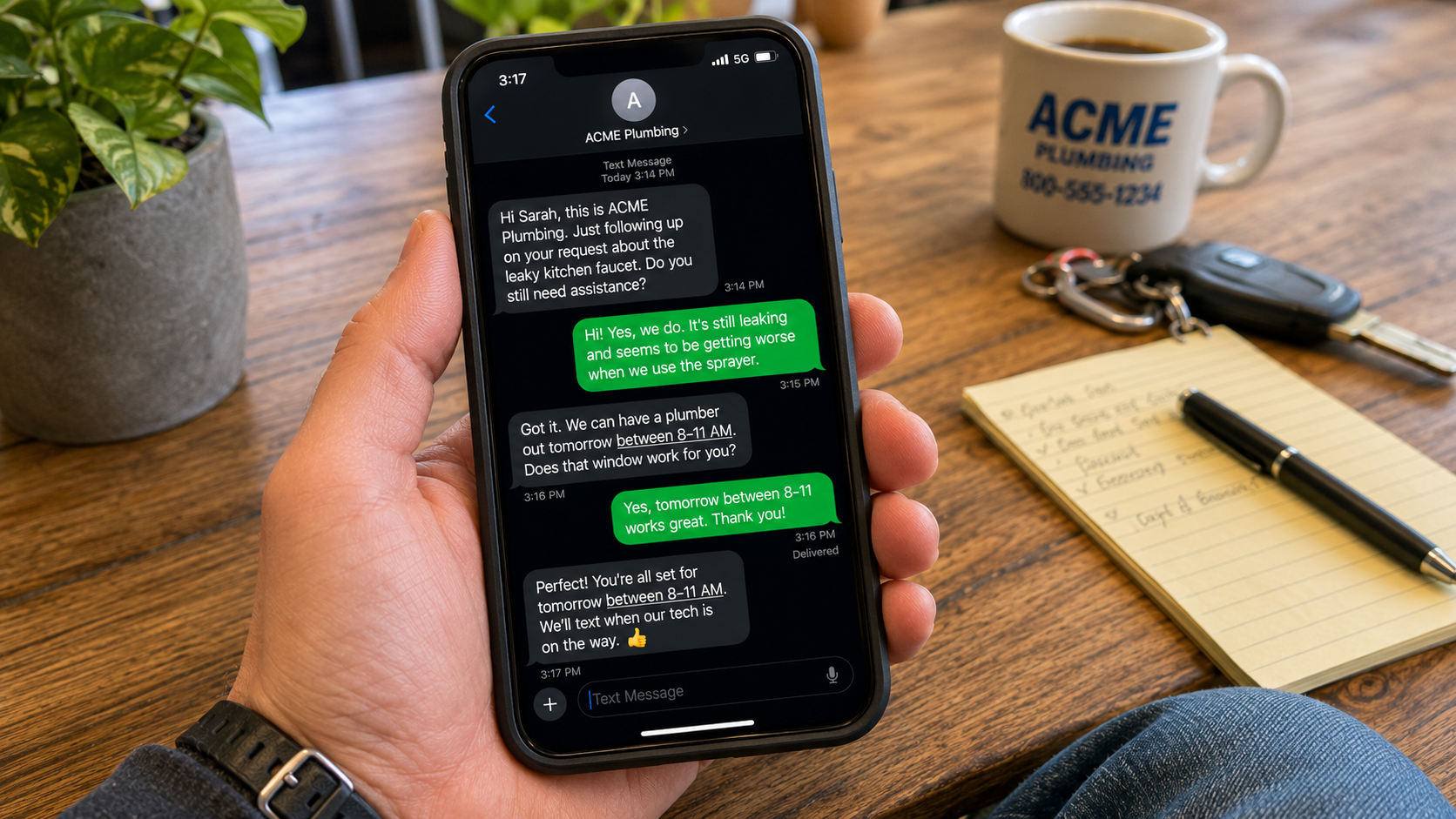
- Respond quickly to leads. Google tracks your response rate and time. Businesses that respond to leads within minutes rank higher than those that respond hours later. This is the same speed-to-lead dynamic that applies to every inbound channel.
- Dispute invalid leads. Google allows you to dispute leads that don’t meet the criteria for a valid lead. A call from someone outside your service area, a call about a service you don’t offer, a spam call. Disputing these credits your account and keeps your effective cost-per-lead accurate.
- Keep your profile updated. Hours, service area, and job types should reflect what you’re currently accepting. LSA ranking factors include whether your profile matches the search query, and outdated profile information suppresses placement.
- Continue building reviews. Every new review improves LSA ranking. The review velocity that helps your organic Map Pack placement works directly in LSA rankings too.
| Want help with paid advertising for your local service business? LSAs are one piece of the paid visibility picture. 1-FIND helps Tri-Cities businesses with paid media strategy — Google Ads, Facebook lead gen, and figuring out which channels make sense for your specific service category and market. |